







tl;dr – A way to view Marriott hotels in a column-style view.
If you are like me and you find yourself often exploring the hotels that exist (for a given chain) in different cities, but hate having to perform repeated searches, then this is for you.
Marriott’s hotel sitemap is a great resource – convenient like a 7/11 – for quickly identifying which hotels are located in a given region (be it a city or country).
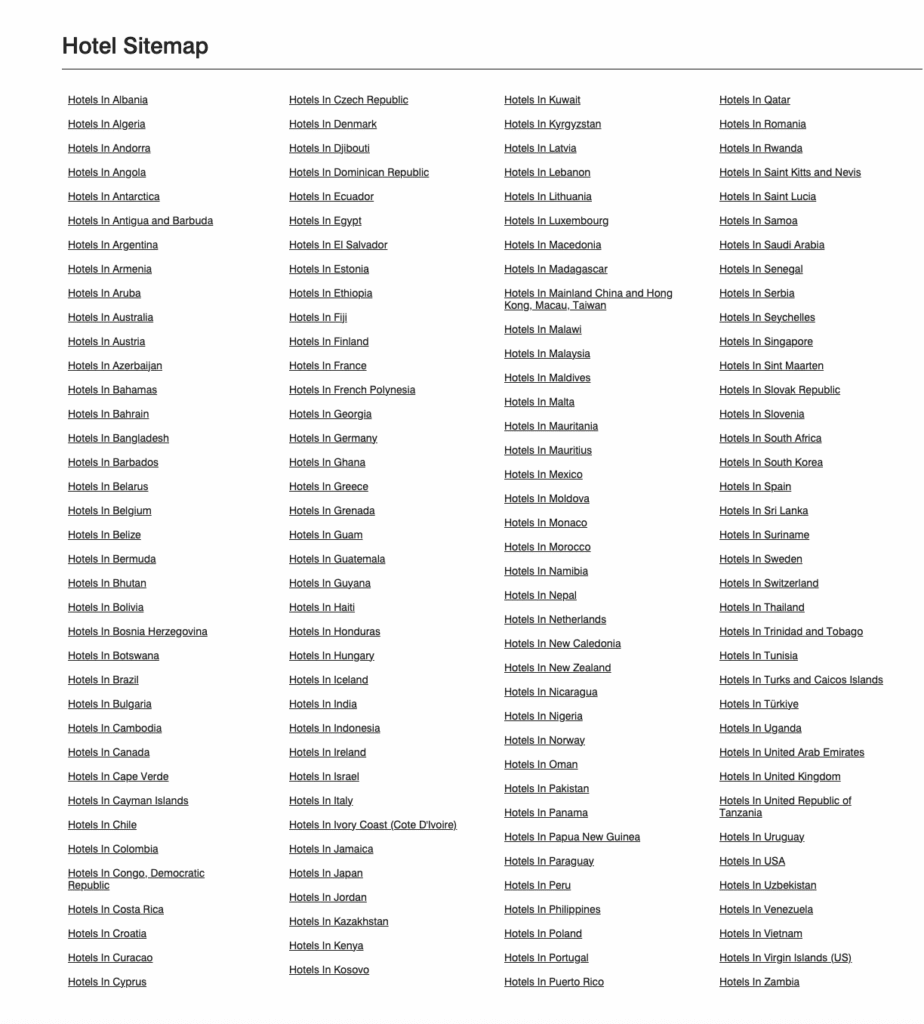
If you click through to a given area – in the example below, I chose Japan, you’ll be able to see hyperlinked column views of each hotel. From there, you can click into any property and view its page. Properties are grouped by Marriott’s brand categories (Luxury, Select, Premium, etc.)
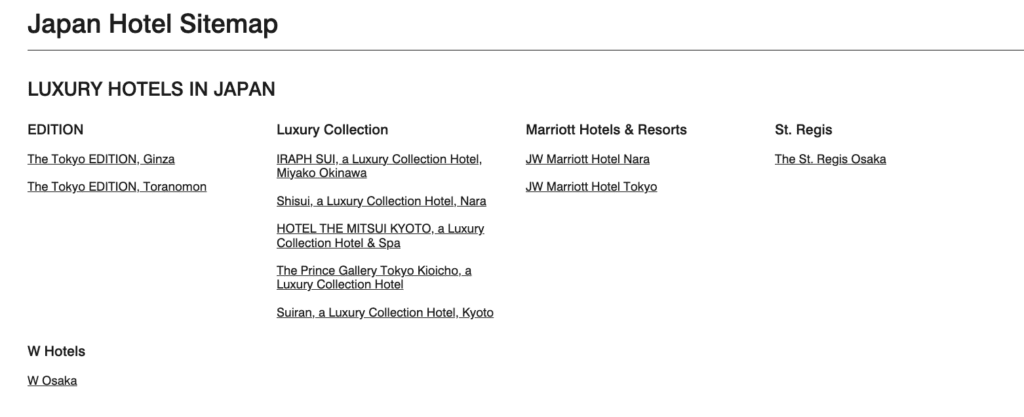
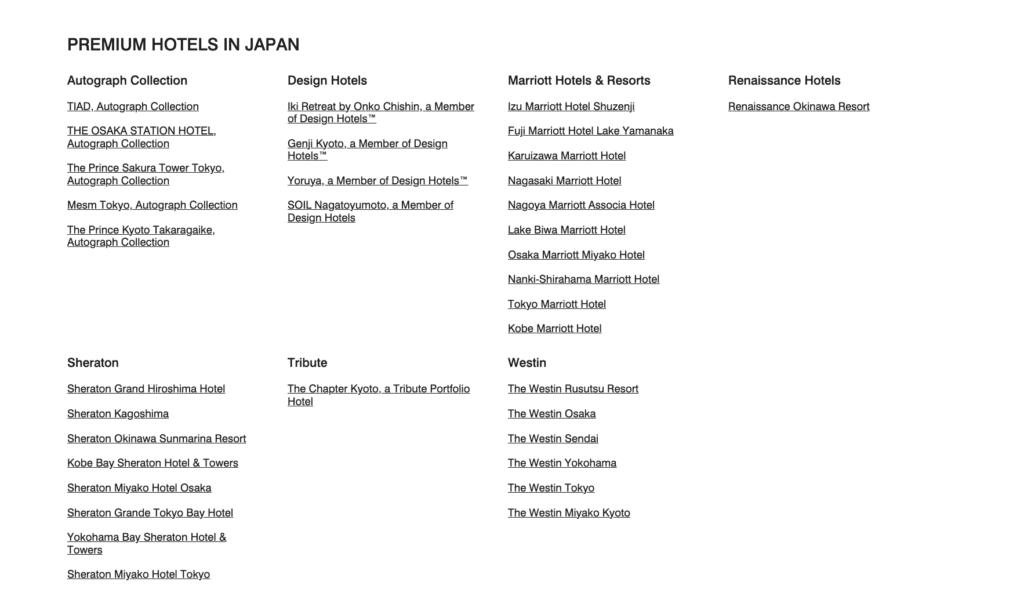
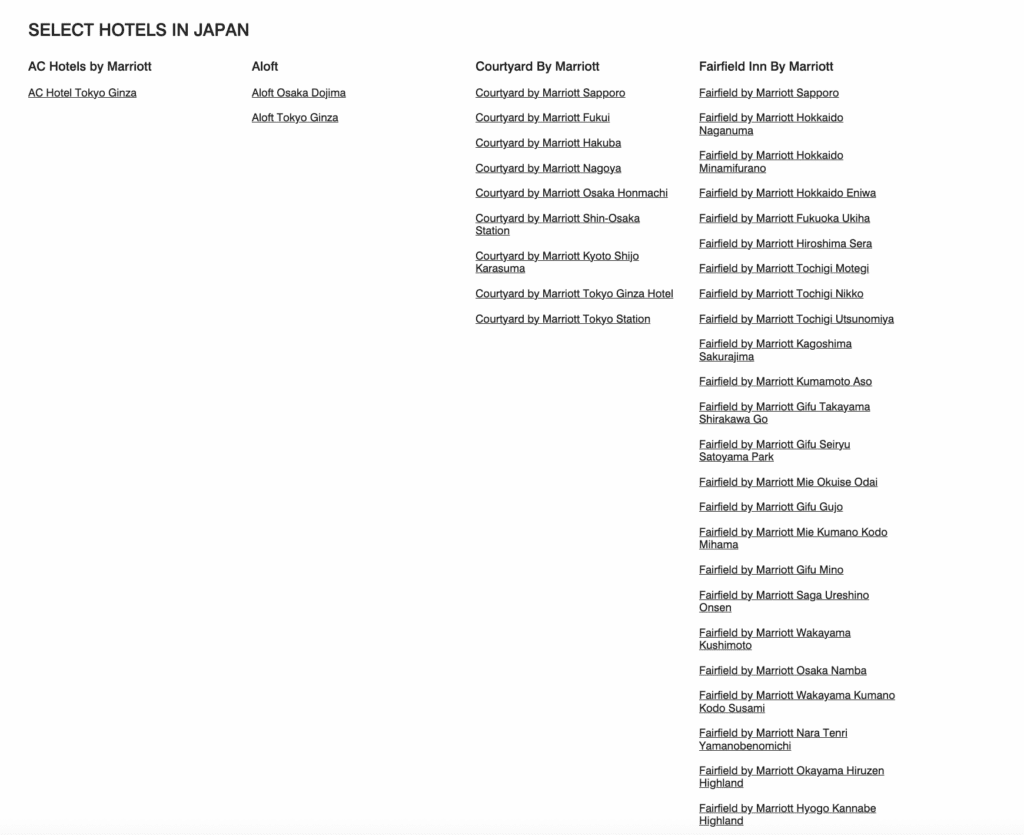
I should note it’s not a perfect resource (the Ritz-Carlton properties are missing in the luxury section of the example above), nor is it fully up-to-date (I don’t believe the latest openings are reflected in each area), but it’s a pretty effortless way to quickly visualize most options in a given region.
The ability to click around, and navigate back and forth, to different cities and countries beats having to perform succesive searches and deal with heavy pagination of the search results.