





tl;dr – Punch this into your navigation bar to help you connect.
You’re finally in the hotel room or the airport lounge, and you want to get logged on so you can stream, do work, browse, whatever.
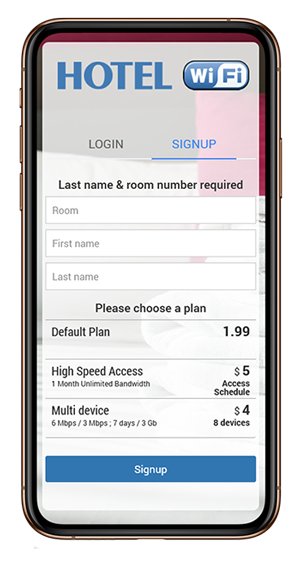
The only problem? You’ve joined the correct wireless network, but can’t get that modal to pop-up, the one that will allow you to input the right credentials.
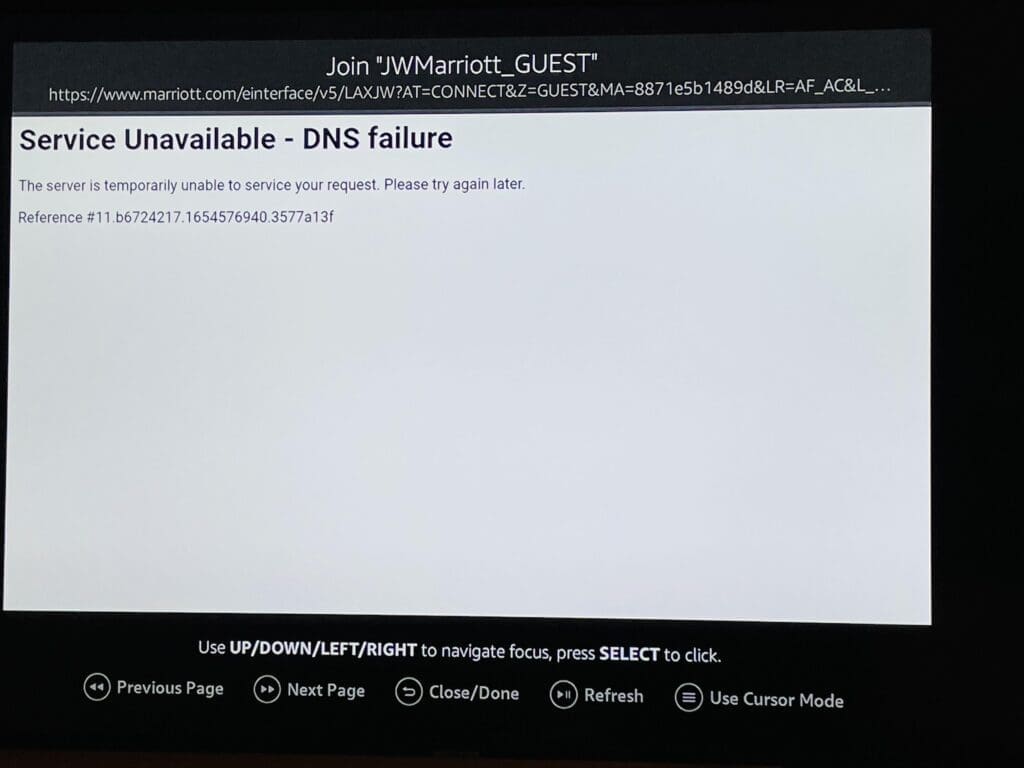
Well, try this!
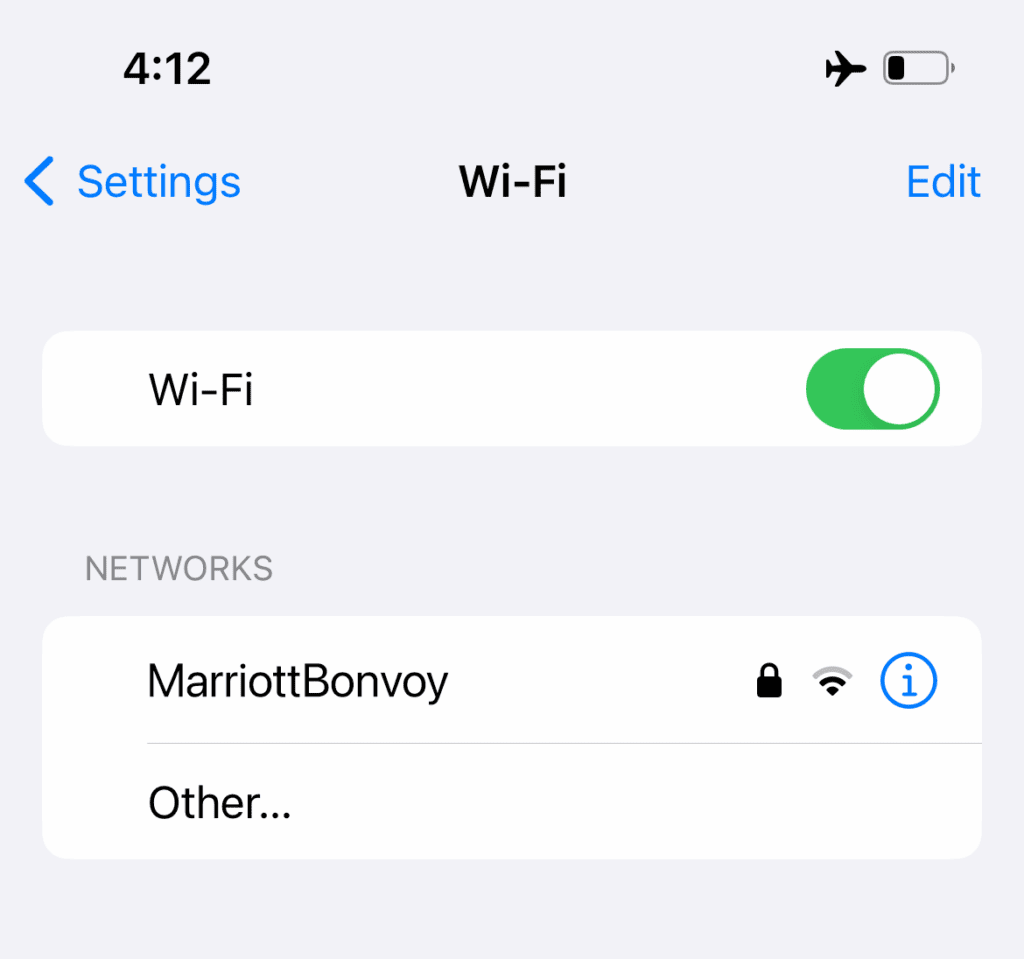
Open up a browser and type “http://neverssl.com” URL bar, then hit ENTER (RETURN/GO).

Hopefully that should work, and you should now get the pop-up modal enabling you to login.
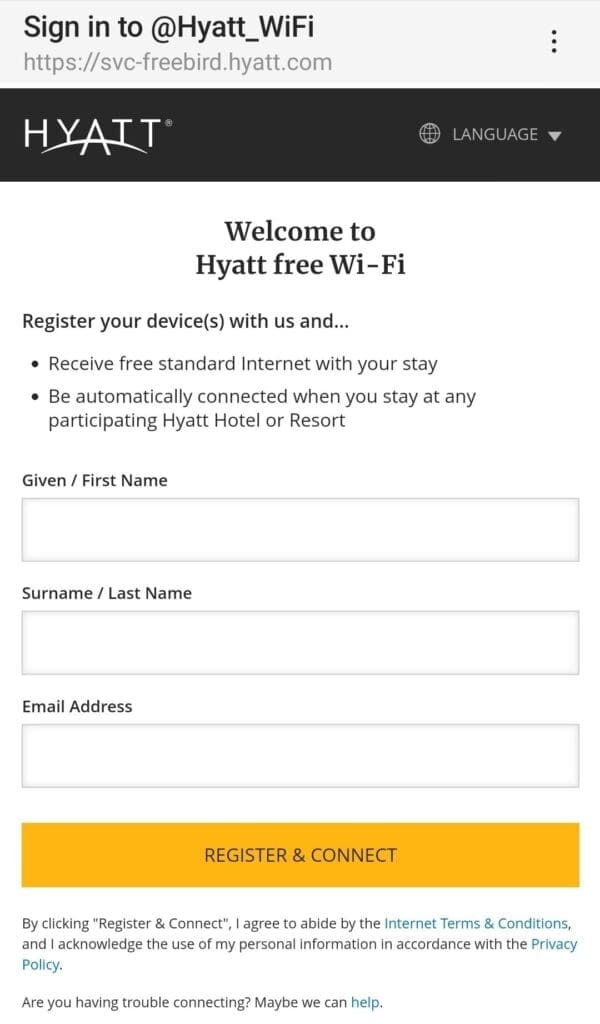
There’s a few reasons why this issue occurs in the first place, one of the more common being that your device was trying to connect to HTTPS (HTTP Secure) instead of HTTP (HyperText Transfer Protocol).
For what it’s worth, you can also try and look up the router’s IP address and put that in your browser’s location bar, but that’s a bit more work.